Your Cathay Pacific roster, in your phone calendar
Upload the roster PDF or a screenshot of your month. Every sector lands in your calendar with the local times printed on your roster, and your days off show up as Off. You never give us your crew portal password.
Free to upload. Also in 繁體中文 and 日本語 inside the app.
Three steps
Works with what you already have: the monthly roster PDF, or screenshots of the roster list on your phone.
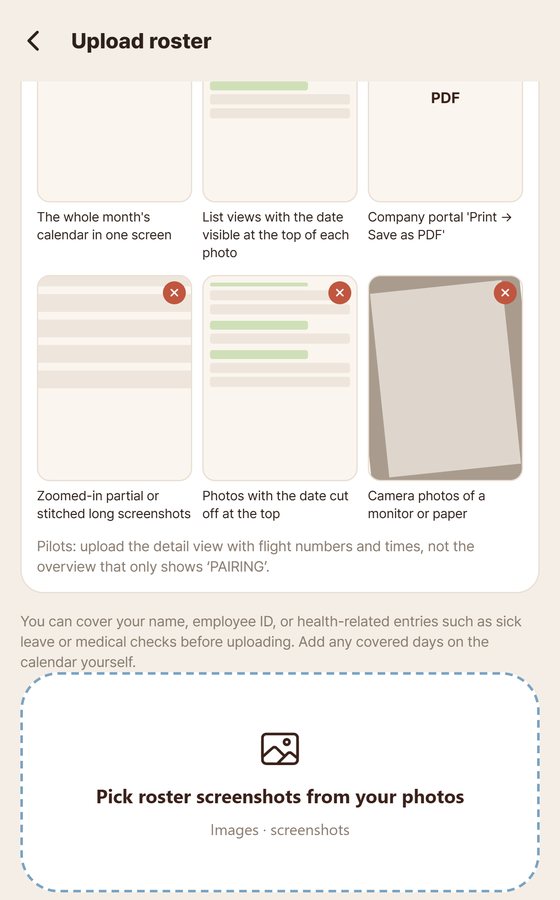
Download or print the roster to PDF, or take screenshots of the month list. Up to 8 screenshots at once.
Tap Upload roster and pick the PDF or screenshots. The roster is read automatically.
Glance over the month, fix anything that looks off, and save. Re-upload when your roster changes; the calendar follows.
What we read from a Cathay roster
Built from real Cathay Pacific cabin crew rosters, PDFs and screenshots.
| On your roster | In your calendar |
|---|---|
| Flights | CX flight number, from and to, departure and arrival times as printed (local, the L times). Arrivals marked +1 go to the next day. |
| After-midnight departures | Placed on the day the aircraft actually leaves, with your report time kept. |
G SB NB | Shown as Off. A Cathay crew member confirmed these codes for us. |
| Other codes | Kept as printed. Tell us once what a code means and it is fixed for every Cathay crew member on crewcrew. |
Tested on real rosters
October 2026, against the original images, not against what users saved.
Questions
Do you need my crew portal login?
No. You upload a PDF or screenshots yourself. We never ask for a portal password.
What happens to the roster image?
It is used to read your roster and kept for 30 days so recognition mistakes can be checked, then deleted (a small number we pick as reference samples to test recognition accuracy are kept for up to a year, from 11 October 2026). Your calendar keeps the duties, not the image.
Can my family see when I fly?
Yes. Add one person for free and they get a notification 2 hours before departure and at your scheduled arrival. Only flights are shared, never leave, hotel or duty reasons.
Try it with this month's roster
Upload once and see your month. If something reads wrong, tell us in the app and we fix it for every Cathay crew member.